
What Local SEO actually means, how to do a simple digital clean-up, and how to turn phone taps into real sales.
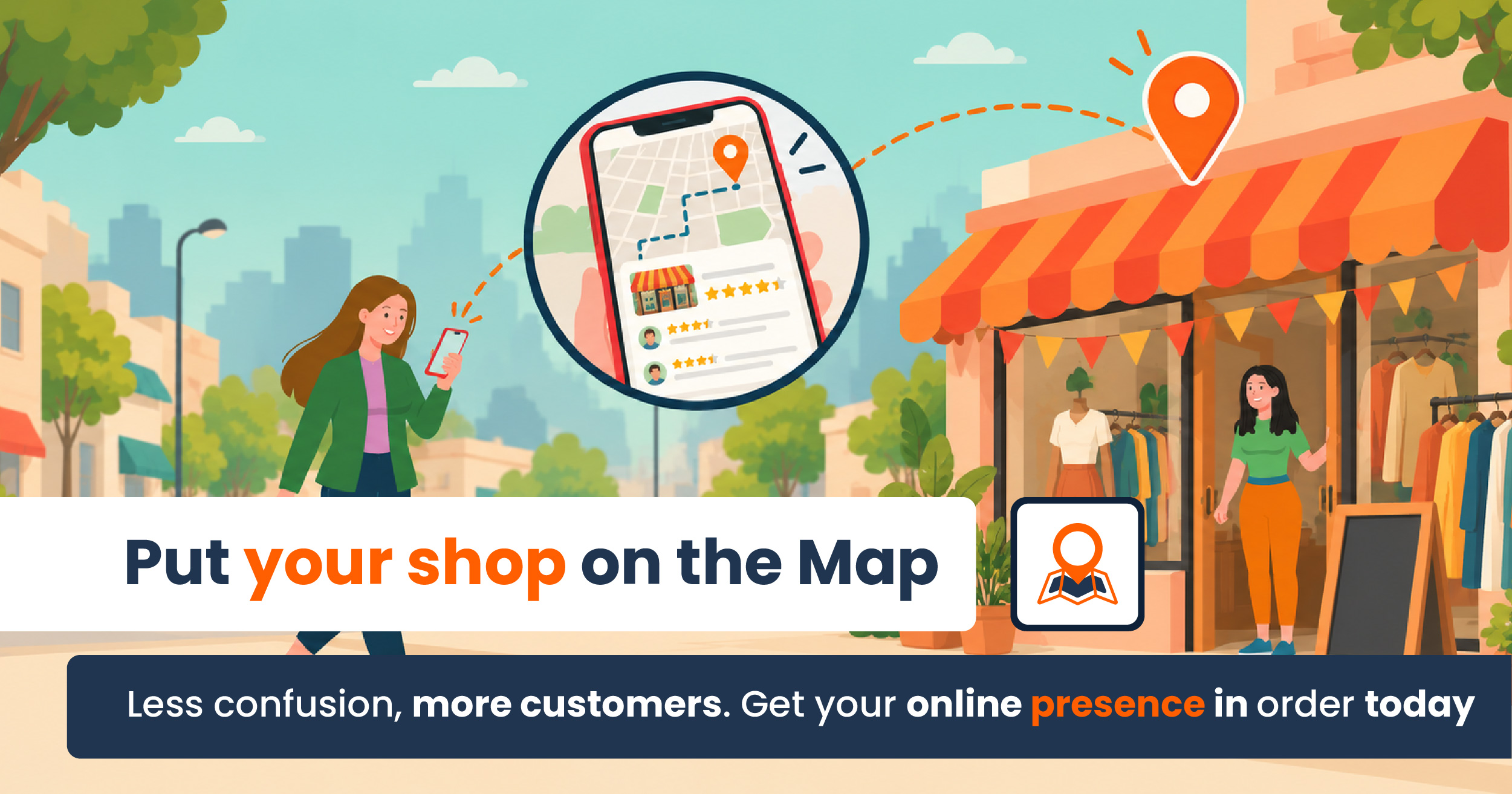
Picture this: someone just two blocks down pulls out their phone and searches for “tacos near me” or “repair shop nearby”. They aren’t looking for a business across the country they want a real option to visit or call right now.
They find your business online, but the phone number is wrong, your hours don’t match, or the confusing address makes them hesitate. You might have the best product in town, but inaccurate info online pushes them right to your competitor. Your digital presence is your main storefront window and a messy window drives customers away.
That’s where Local SEO comes in.
What is Local SEO?
Don’t let the name scare you SEO just stands for Search Engine Optimization. In plain terms, Local SEO means making simple updates online so search engines (like Google) and AI tools (like ChatGPT or Gemini) know your business exists and show it to neighbors searching nearby.
Search tools look at three simple things when recommending local spots:
- Relevance: Does your info match what the person is looking for
- Distance: How close is your shop to the customer?
- Trust: Do you have good reviews and clear, accurate info across the web?
The "Digital Clean-Up": Your First Easy Step
Before you spend a single dollar on ads, you need to tidy up your online presence. We call this a Digital Clean-Up: fixing old, missing, or duplicate information.
To help search engines trust your business, follow the NAP Rule (Name, Address, Phone):
- N (Name): Spelled exactly the same everywhere online.
- A (Address): Your physical location or specific service area.
- P (Phone): An active number where customers can actually reach you.
If one website lists an old landline and another has a different address, Google gets confused and so do your customers.
5 Simple Steps to Tidy Up Your Business Online
- Check Your Basic Info (NAP): Make sure your name, address, and phone match everywhere online.
- Keep Your Google Profile Updated: Keep your Google Business Profile fresh with current hours, photos of your shop or menu, and your main services. This ensures AI assistants recommend you first when neighbors ask for local suggestions.
- Make Your Links Easy to Use: Make sure your website or digital links open fast and work smoothly on smartphones.
- Write a Simple Description: Plainly state what you sell, where you’re located, and what makes your shop special.
- Engage with Customer Reviews: Thank customers for good reviews and reply politely to feedback. It shows neighbors that you care and take pride in your service.
Turn Phone Taps into Real Sales
Getting found on the map is great, but making it easy for neighbors to buy is what really matters:
- Direct WhatsApp Links ( wa.me ): Add direct message buttons so customers can place orders or ask questions with a single tap.
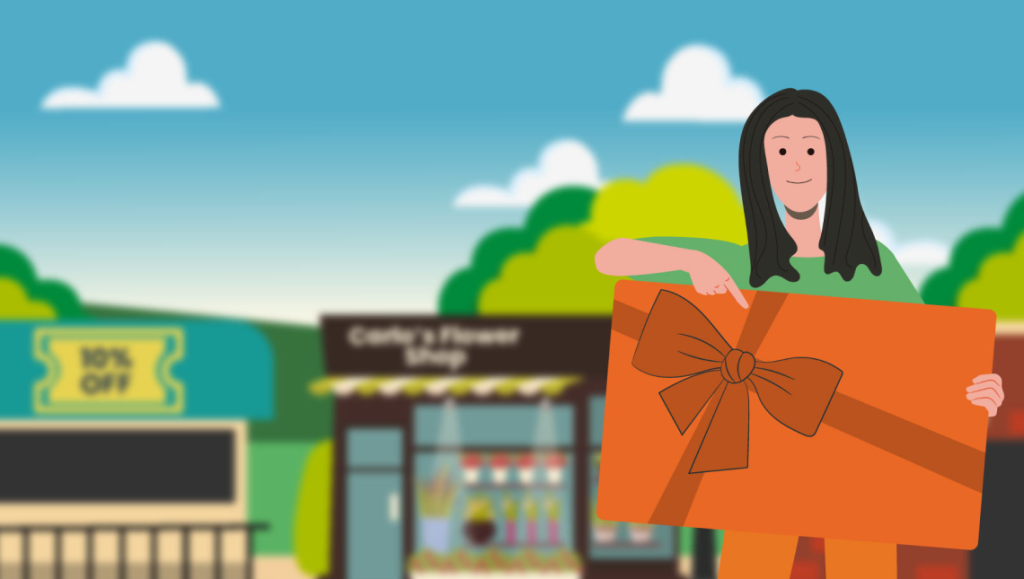
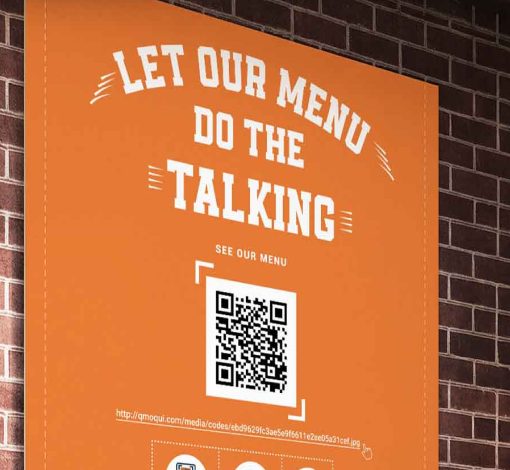
- Digital Coupons & QR Codes: Use simple QR codes in your shop so locals can grab exclusive deals right on their phones.
- The Detour Maps Community: Join the Detour Maps Web App to get listed in your neighborhood directory, join local events, and stand out—whether you have a physical storefront or run a business from home.
Make It Easy for Neighbors to Find You
You don’t need to compete with the whole internet or be a computer whiz. You just need clarity: when a neighbor looks for what you offer, they should easily see who you are and how to reach you.
Less confusion. More clarity. A simple path from “I found you” to “I want to buy from you.”
Want to see how your shop looks to neighbors online? At Detour Maps, we help local business owners do a quick, friendly digital check-up to fix errors and put their business on the neighborhood map.
Drop us a line: friends@detourmaps.com Visit us: detourmaps.com